
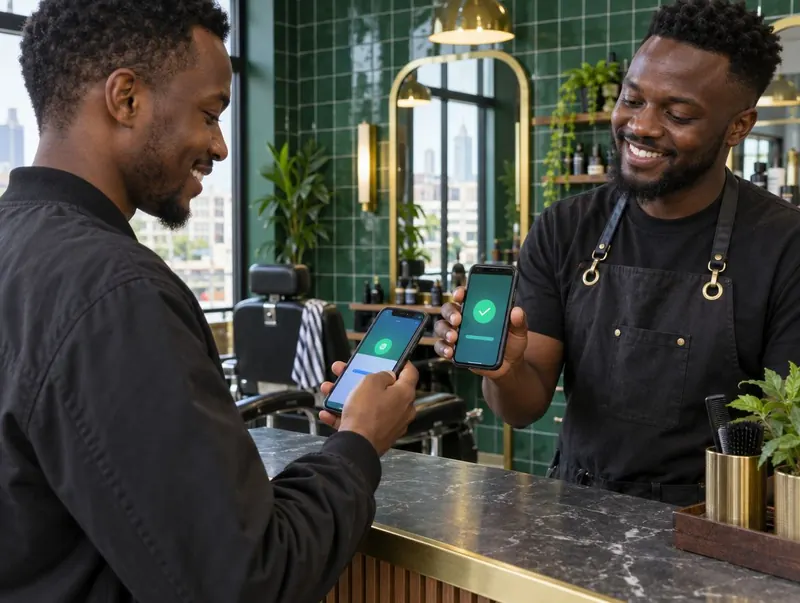
Start with the service, then take the payment.
A barbershop point of sale system has a different job from a simple receipt book. The sale belongs to a service and a barber, and it may affect an appointment, a commission and a customer’s history. If those are separate records, someone has to join them up later.
In KinyoziHQ, bookings, services, staff earnings and payments sit in the same system. Record a walk-in as well as an appointment. Select what the customer actually received, assign the right barber, and record cash, M-Pesa or card as the payment method.
That service record is the starting point for the day’s totals. It also gives the owner somewhere to look when a customer says they paid but the sale has not been marked as settled.
A closing total you can explain.
“We made twelve thousand” is only half an answer. Was that all paid? Did the cash drawer include the opening float? Were commissions already taken out?
Here is a small, made-up day to show the difference between sales and the cash you should be holding.
| Record | Amount |
|---|---|
| Completed services | KES 12,000 |
| Paid by M-Pesa | KES 8,000 |
| Paid in cash | KES 4,000 |
| Opening cash float | KES 1,000 |
| Approved cash purchase for the shop | KES 600 |
| Expected cash before any other withdrawals | KES 4,400 |
The KES 4,400 in the drawer is not the day’s revenue. It includes the float and reflects the purchase. Keep the purchase record with the expense, then check the M-Pesa receipts separately. Our daily sales worksheet follows this same routine.
Keep the sale attached to the barber.
If two barbers charge the same price, a total alone cannot tell you what either person earned. KinyoziHQ assigns services to staff and works out the configured commission. Each barber has a login to see their own bookings and earnings.
Agree the rule before the first sale: what happens to discounts, refunds, shared services and advances? Use the commission calculator to check an example together. A clear rule saves a longer argument on payday.
Put your busiest day through the demo.
Bring five services from your menu and the ways people usually pay. Ask us to show a cash walk-in, a booked customer, a change of service and a barber’s earnings. Then open the owner’s view and check the totals.
- Can you find one particular sale without scrolling through the whole day?
- Can the person at the till distinguish cash from M-Pesa?
- Can a barber see their earnings without seeing everyone else’s business?
- What is the procedure when the internet drops or a payment needs correcting?
Discuss devices, receipt printing and any invoicing requirements before choosing a setup. A POS subscription, a card terminal and a tax-invoicing connection are different things; get the supported arrangement confirmed in your quote.
For the full picture, explore how the software fits together or look more closely at matching M-Pesa payments to services.
Questions worth asking
Does a small kinyozi need a POS system?
A small shop can start with disciplined records. Software becomes useful when the owner has to check several barbers, payment methods or shifts. Try a normal day in the demo and judge whether it makes your records easier to keep.
Is the POS the same as an M-Pesa till?
No. The till receives payments. The POS records the service, staff member and payment method. You still need a way to match a payment to the correct sale.
What does the barbershop POS cost?
The demo is free. Ask for the subscription and setup quote for your number of staff and branches; the website does not publish a fixed subscription tariff.
Bring yesterday’s numbers.
We can use a simple example from your shop to show how a sale reaches the payment record and the barber’s earnings.
Show me the POS